

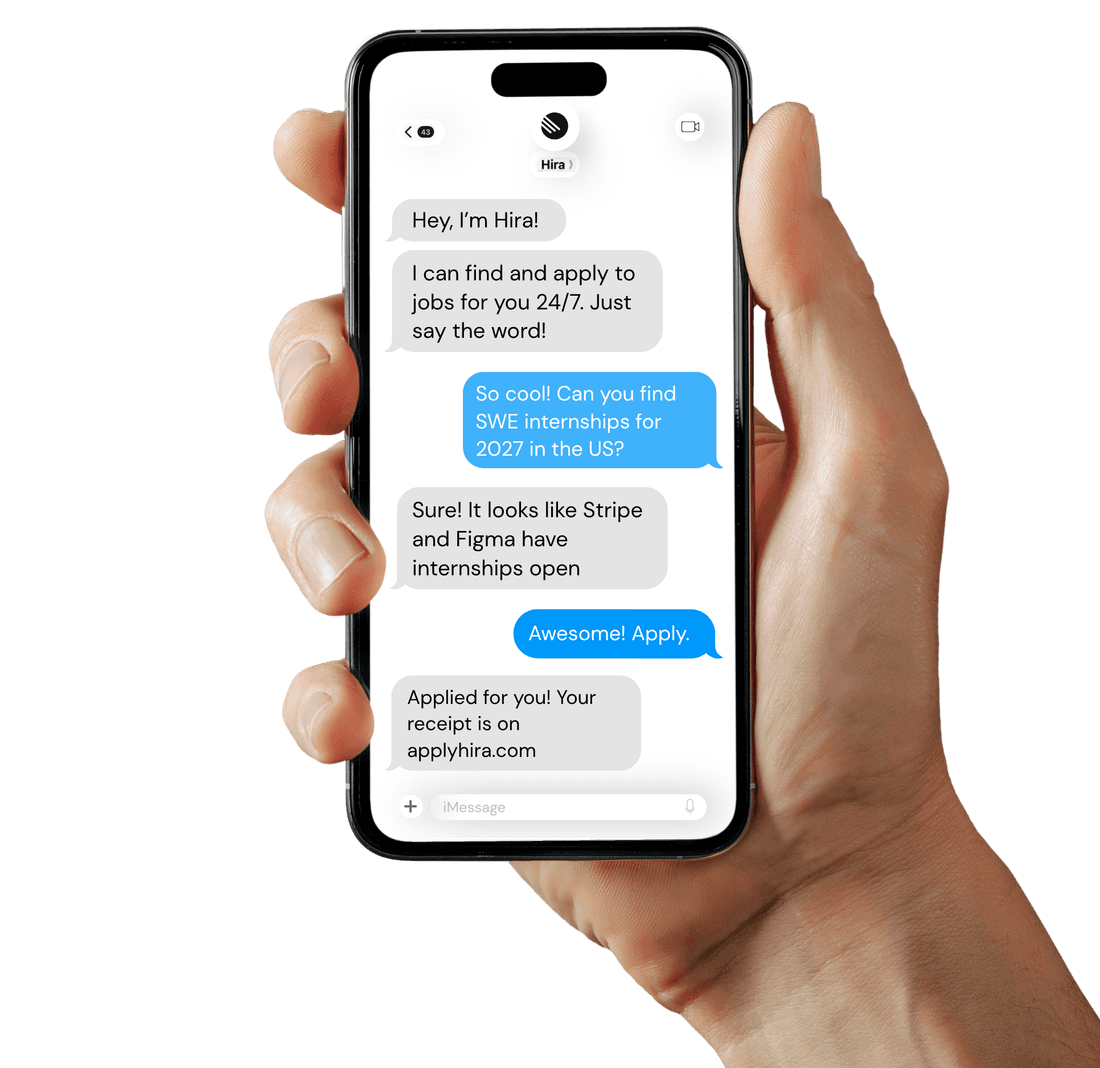
You can now run your whole job search from your messages. Text Hira the way you’d text a friend, on iMessage or SMS, and it finds roles, prepares applications and checks with you before anything goes out.
Ask for roles in your own words
Text something like “Find me remote internships” and Hira sends back up to three current matches, numbered. Reply with a number to pick one, or ask for something different.
Found a posting yourself? Send the link with “apply” and Hira starts on it, even if the role isn’t on its board yet.
Answer questions as they come
When an employer asks something Hira can’t answer from your profile, it texts you the question, one at a time. Short lists of options come numbered, so “2” or “yes” is enough. If an employer emails you a verification code, just send it to Hira and it enters the code for you.
Nothing is sent without your yes
Hira asks plain questions, like “Want me to apply?” or “Want me to submit it?”, and only does what you agree to. Several applications ready at once come as one numbered list, so you can pick the ones to send. You never have to learn a command.
Updates when you want them
Ask for updates on your own schedule: once a day, “twice a day”, or only when there’s something new. Hira doesn’t send background texts between 9 PM and 9 AM, though it still replies whenever you text it. And if you want it to stop, just say so.
Connect your phone
In Hira’s Settings, open Messaging and create a code. Text the code to Hira within ten minutes, then confirm your number on the site. Your phone is connected to your account, and you can disconnect it anytime.